Hardware
Best Hardware for Self-Hosted AI
A pragmatic guide to GPUs, CPUs, memory, storage, and power for local inference.
Best Hardware for Self-Hosted AI
The best self-hosted AI machine is the one sized for your actual work. Buying the biggest GPU you can afford is tempting, but balanced memory, storage, thermals, and power matter just as much.
Start with the model size
Small quantized models can run on laptops and mini PCs. Larger models need more VRAM and system memory. Decide whether you need fast interactive chat, batch summarization, document search, or automation. Each workload stresses different parts of the system.
If you are just beginning, read Best Local AI Models for Beginners before buying hardware around a model you may not use.
GPU and VRAM
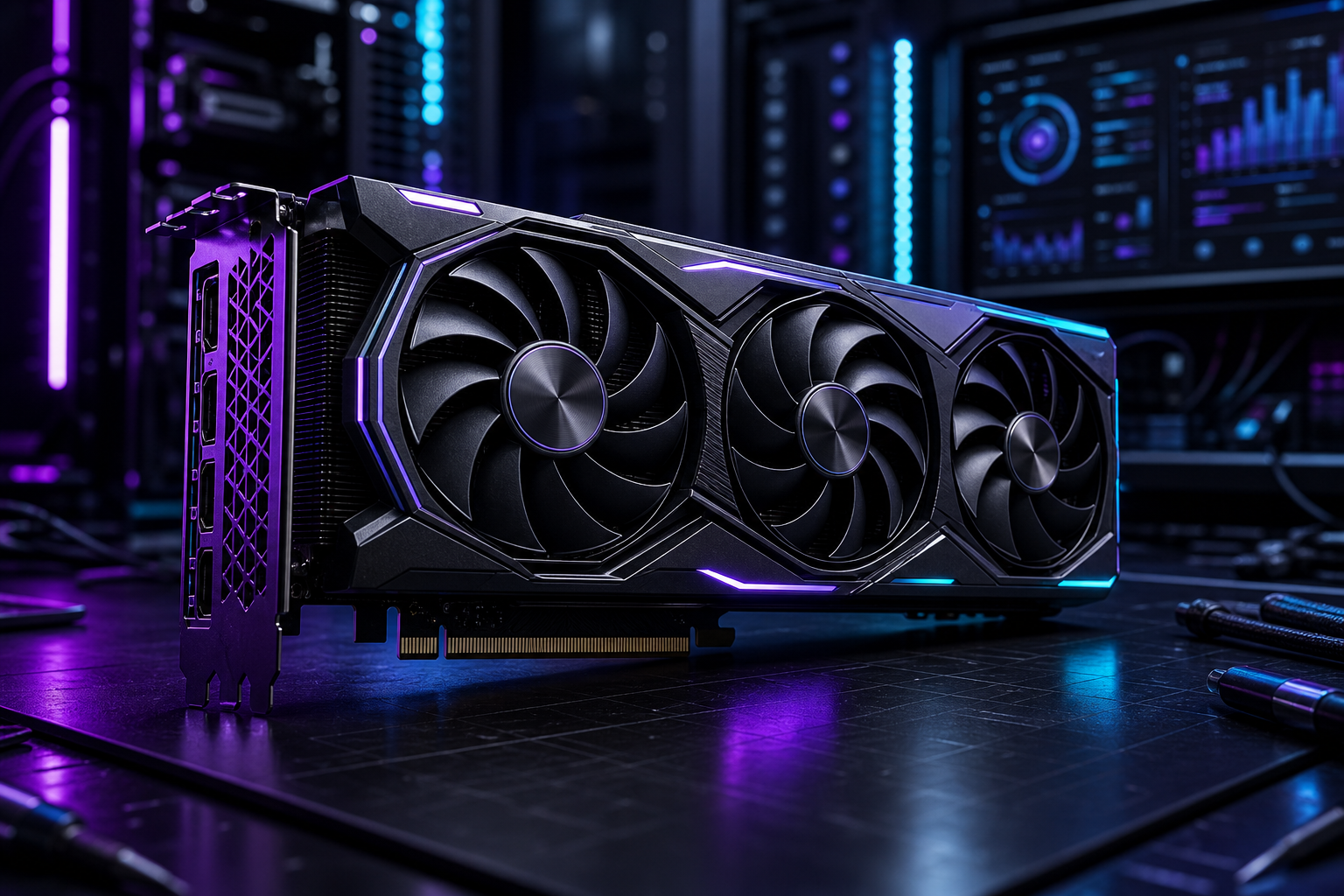
VRAM is the practical ceiling for many local LLM workflows. More VRAM lets you run larger models, longer context, or more concurrent requests. Consumer GPUs can be excellent value, but power draw and physical size can surprise homelab builders.
For always-on systems, efficiency matters. A quiet, stable box beats a loud machine nobody wants running.
CPU, RAM, and storage
CPU still matters for orchestration, embeddings, compression, and fallback inference. System RAM gives breathing room to databases, indexes, and multiple services. Storage should be fast enough for model loading and reliable enough for your data.
Use separate volumes when possible: operating system, model cache, databases, and backups.
Power, heat, and noise
Local AI gear can turn into a space heater. Measure available power, plan airflow, and avoid stuffing hot GPUs into cases that cannot exhaust heat. Noise matters if the server lives near people.
Build tiers
A starter tier can be a laptop or mini PC running Ollama. A serious homelab tier usually adds a dedicated GPU, 64GB or more of RAM, and reliable storage. A business tier should prioritize redundancy, monitoring, and recovery.
Conclusion
Buy for the workflows you will actually run. A balanced, quiet, recoverable system will teach you more than an extreme build that is expensive to operate.
FAQ
Is VRAM more important than system RAM?
For GPU inference, VRAM is often the limiting factor. System RAM still matters for everything around the model.
Should I buy used GPUs?
Used GPUs can be good value if you understand power, cooling, warranty risk, and physical fit.
Can I start without dedicated hardware?
Yes. Start on your current machine, learn the workflow, then upgrade around real constraints.
