Models
How to Choose the Right Local Model Size
Match model size to your hardware, latency target, and task before you chase benchmark hype.

How to Choose the Right Local Model Size
Model size is one of the easiest things to overthink. In practice, the right choice is usually the model that fits your hardware comfortably and still answers your real prompts well enough to be useful.
Start from the task, not the leaderboard
If you want quick drafting, classification, or summarisation, a smaller model may be perfect. If you need deeper reasoning or broader context, step up carefully and measure the cost in latency and memory.
Use How to Run Llama 3 Locally with Ollama to see how a practical runtime changes the experience.
Fit the model to the machine
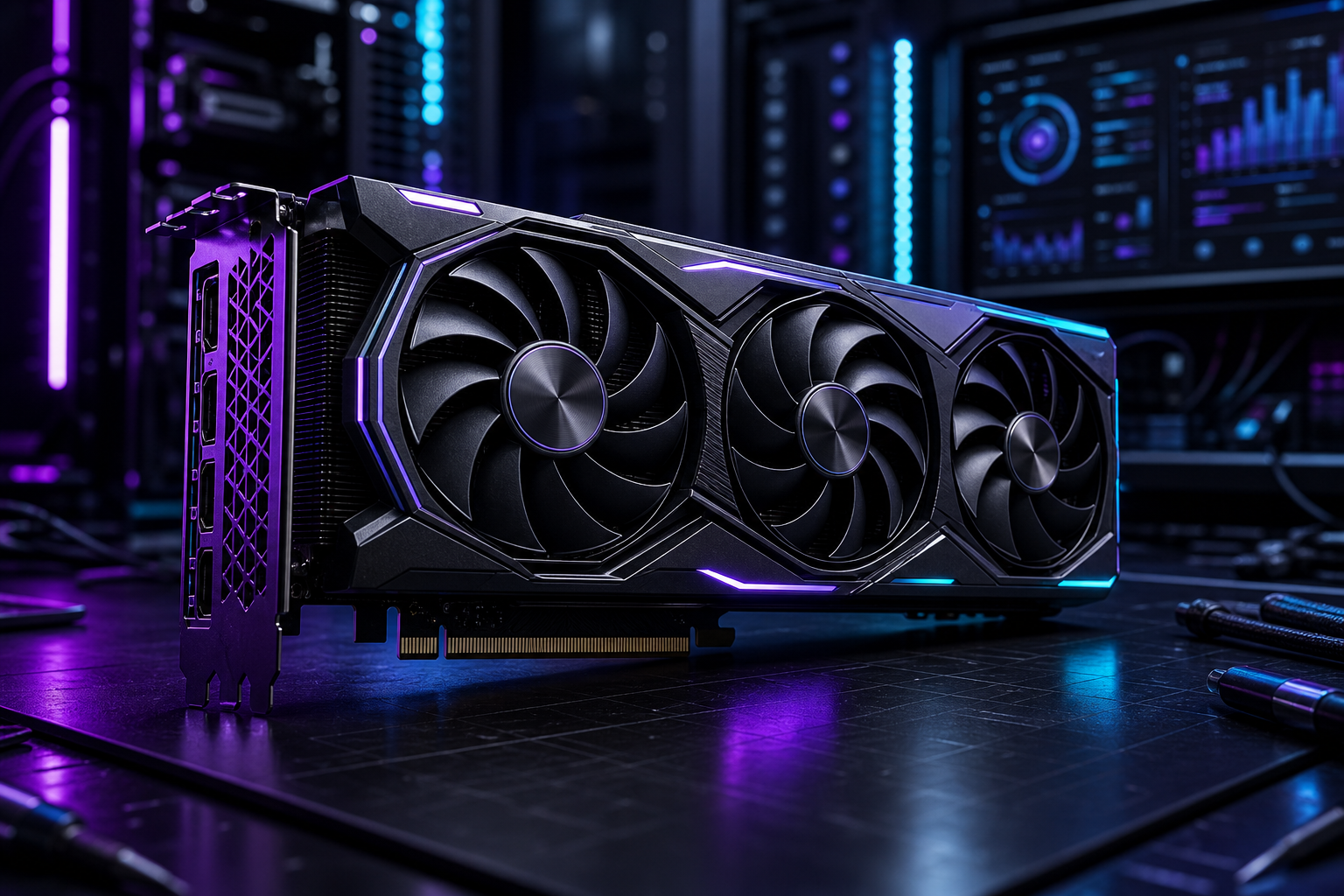
The best model on paper is useless if it causes swap storms or forces constant offloading. Match the size to your GPU VRAM or available system memory, then leave enough headroom for the rest of the stack.
Keep a small benchmark set
Five or six prompts that reflect your own work are enough to expose whether a model is too slow, too vague, or too expensive to run all day.
Use one model per job where possible
Chat, coding, embeddings, and image analysis all have different sweet spots. A smaller specialist can outperform a larger general model when the task is narrow and repetitive.
Pair your selection with Open WebUI vs AnythingLLM if you want to test how different interfaces affect model use.
Conclusion
Choose the model that works on your hardware, for your workload, with your tolerance for latency. The right size is usually smaller than your instincts first suggest.