Guides
How to Secure a Self-Hosted AI Server
Lock down your local AI stack with authentication, network boundaries, backups, and monitoring.
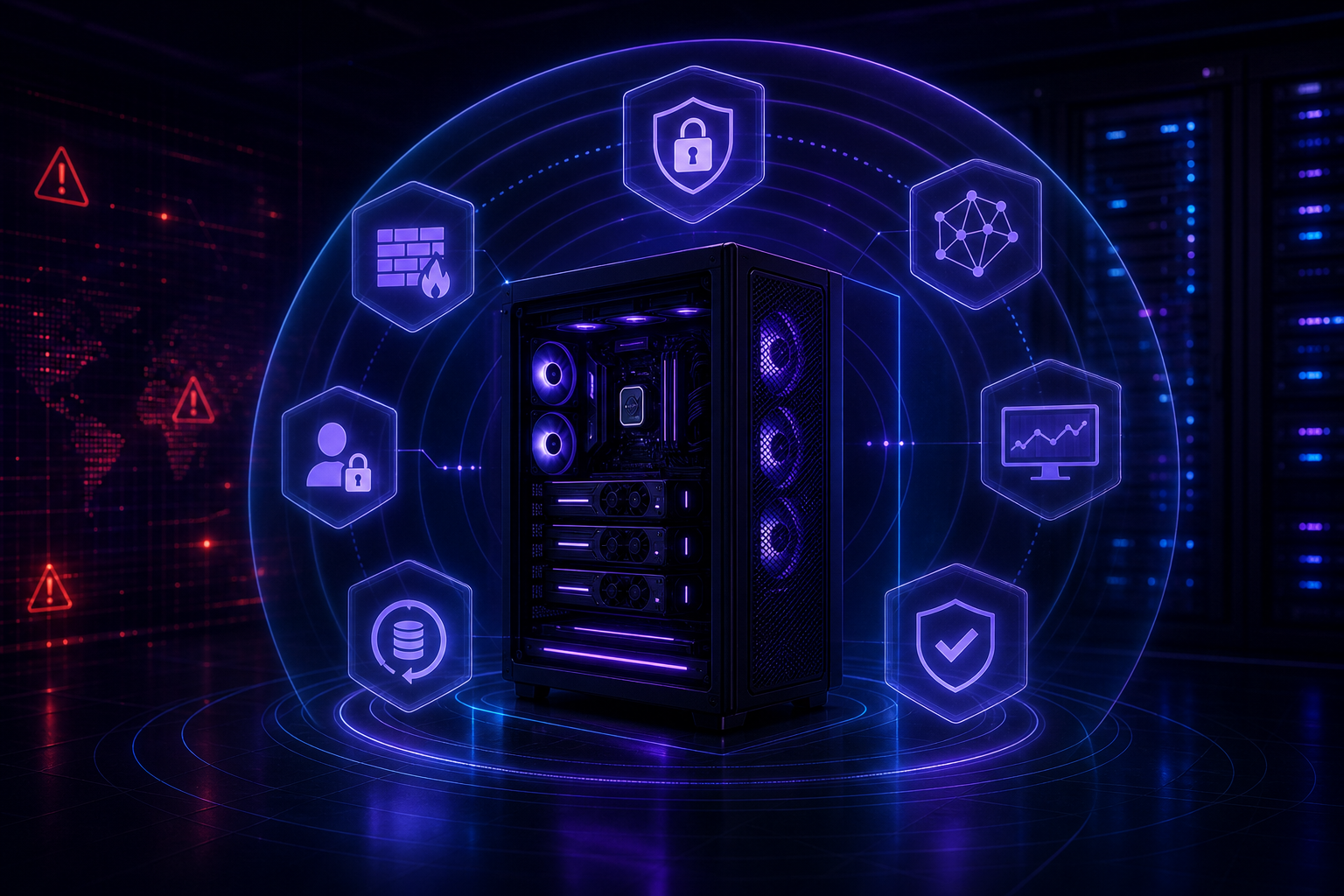
How to Secure a Self-Hosted AI Server
Self-hosted AI often handles sensitive prompts, documents, embeddings, and workflow data. Security is not an optional final step. It is part of the architecture from the beginning.
Keep services private by default
Expose as little as possible. A local chat UI does not need to be public just because it has a web interface. Use VPN access, private networks, or a carefully configured reverse proxy.
If you are still assembling the stack, start with Docker Setup for Local AI Tools.
Use strong authentication
Every dashboard, admin panel, and API should require authentication. Use strong passwords, rotate credentials, and avoid shared admin accounts. If a tool has weak built-in auth, put it behind a stronger gateway.
Protect data and indexes
Documents and embeddings can reveal sensitive information. Know where they are stored, who can access them, and how they are backed up. Delete test data you no longer need.
Patch and monitor
Self-hosted systems need regular updates. Track container image versions, host patches, and tool releases. Add basic monitoring for disk, memory, GPU, uptime, and failed login attempts.
Backup and restore
Back up databases, configuration, workflow definitions, and prompt libraries. Test restores. A backup that has never been restored is only a theory.
Conclusion
Security is what turns a local AI experiment into infrastructure you can trust. Keep services private, authenticate everything, monitor the stack, and practice recovery.
FAQ
Can I expose my AI server to the internet?
Only with TLS, strong authentication, patching, rate limiting, and monitoring. Private access is safer.
Are embeddings sensitive?
Yes. They can leak information about source documents and should be protected.
What is the most important first step?
Remove public exposure and require authentication before inviting users.


