Tutorials
Docker Setup for Local AI Tools
Use Docker Compose to run local AI interfaces, model services, databases, and automation cleanly.
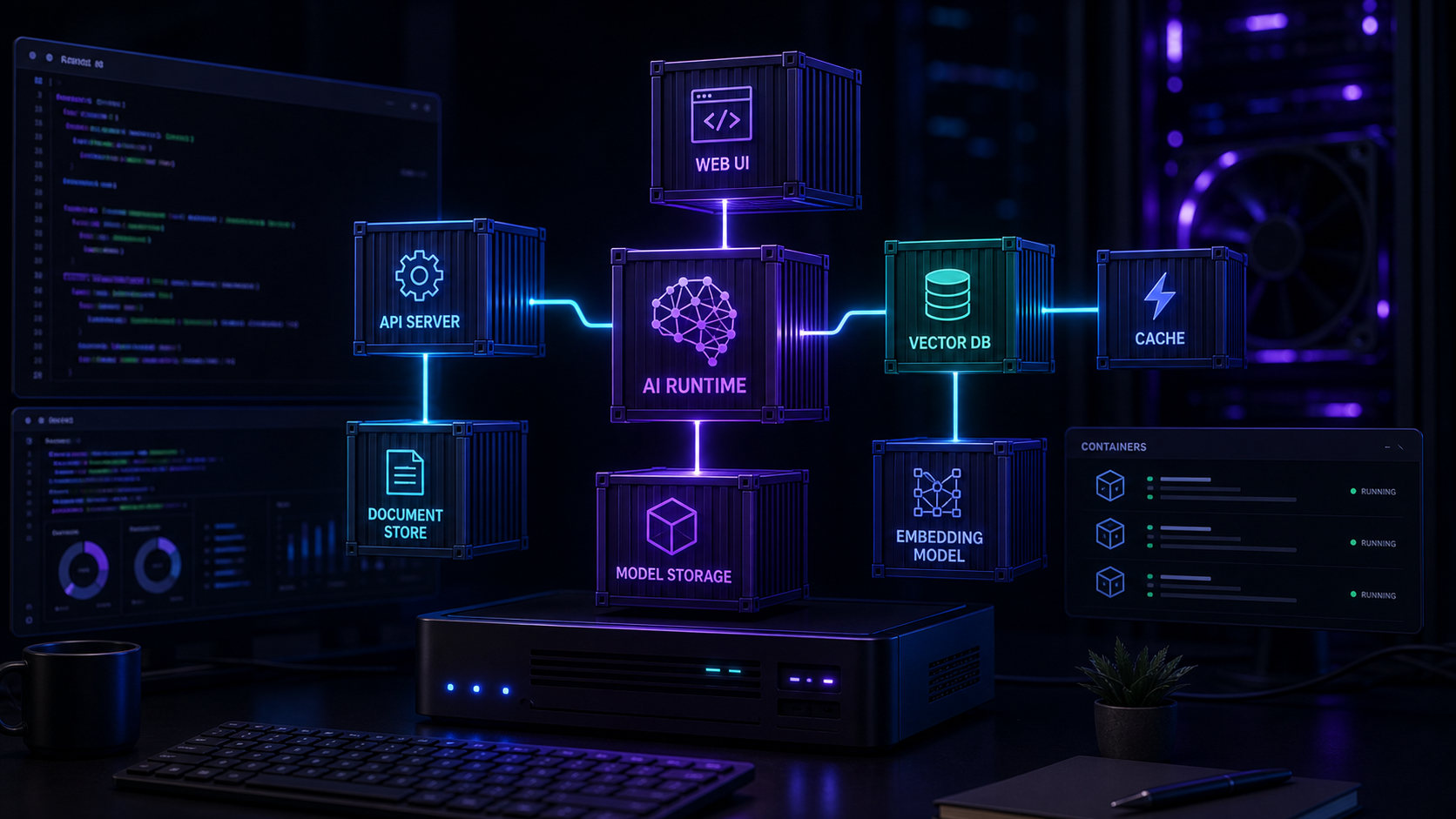
Docker Setup for Local AI Tools
Docker is the easiest way to make a self-hosted AI stack repeatable. A good Compose file gives each service a clear boundary, keeps configuration visible, and makes upgrades less mysterious.
What belongs in Docker
Chat interfaces, workflow tools, vector databases, dashboards, and reverse proxies are good Docker candidates. GPU-heavy model runtimes can run in Docker too, but they need more careful driver and runtime setup.
If you use Proxmox, see Proxmox Setup for AI Workloads for host-level planning.
Compose structure
Use one project directory with a Compose file, an environment file, and documented volumes. Give each service explicit names, ports, health checks where possible, and persistent storage.
Avoid random bind mounts across your filesystem. Future migrations are easier when data lives in predictable places.
Networking and secrets
Expose only the services users need. Put databases and internal model endpoints on private Docker networks. Store passwords in environment variables or a secrets manager, and never commit real secrets.
For public access, add TLS, authentication, and rate limiting.
Backup strategy
Back up named volumes and databases. Test restore steps before you need them. A Compose file is not enough if the data volume is gone.
Conclusion
Docker makes local AI stacks understandable. Keep the setup boring, documented, and easy to rebuild.
FAQ
Should every service be in one Compose file?
For small stacks, yes. Larger systems may benefit from separating infrastructure and applications.
Can Docker use my GPU?
Yes, with the right host drivers and container runtime configuration.
Is Docker secure by default?
No. It helps with isolation, but you still need access control, patching, and careful networking.


