Use Cases
n8n Workflows for Client Onboarding in a Small Business
Use n8n and private AI to collect client details, draft welcome messages, and keep onboarding consistent.
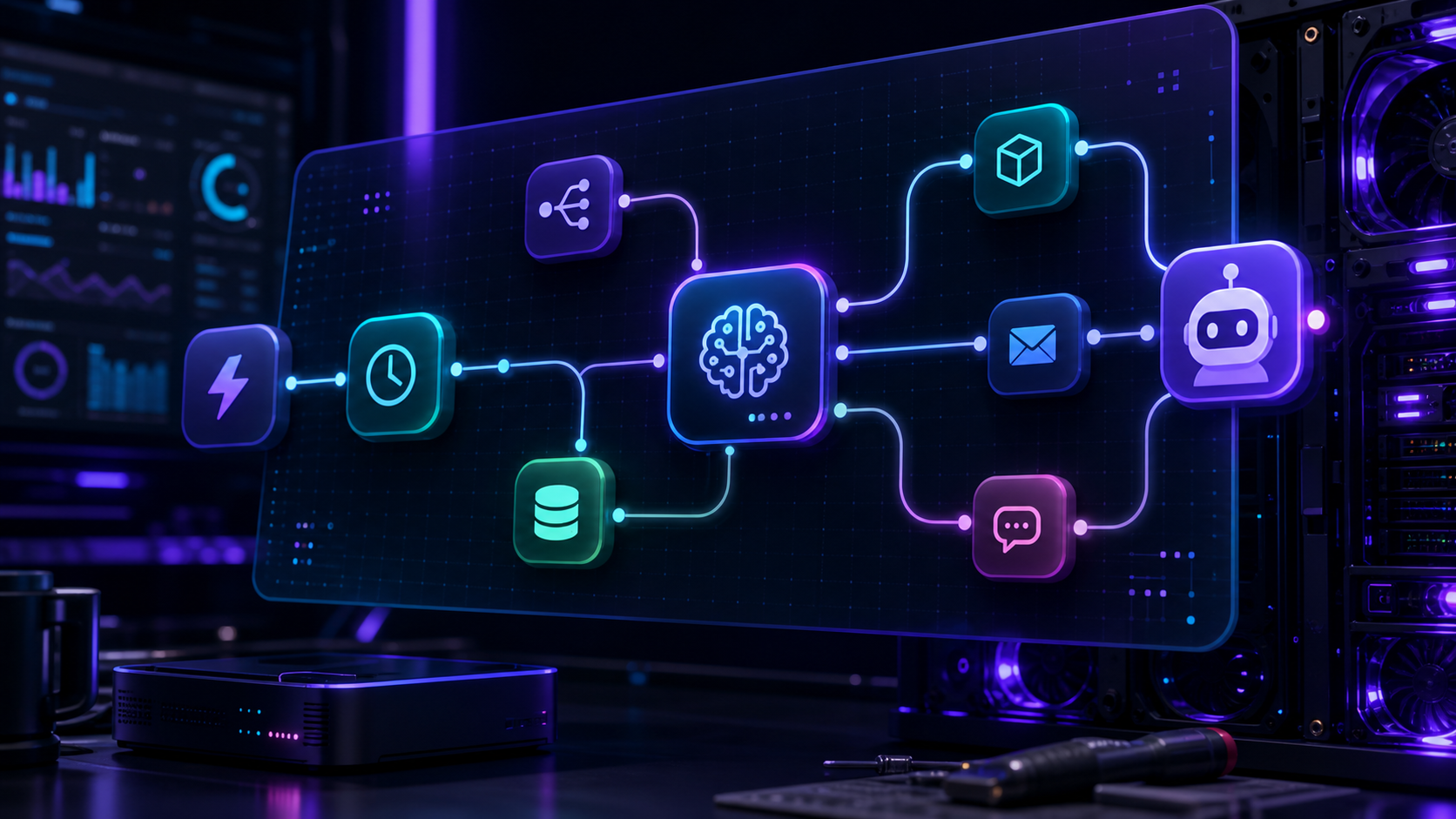
n8n Workflows for Client Onboarding in a Small Business
Client onboarding is a strong first automation project because it has repeatable steps, clear hand-offs, and obvious time savings. With n8n, you can collect details, create tasks, send welcome notes, and keep the process private.
Map the onboarding journey
Start by listing each step after a deal is signed. Typical actions include creating a client folder, generating a welcome email, assigning internal tasks, and storing a short summary for future reference.
Keep the model in a narrow role
Use the workflow patterns from Build Your Own AI Assistant with n8n rather than trying to automate everything at once. For small businesses, Self-Hosted AI for Small Businesses is a useful reminder that simple, dependable workflows beat ambitious ones that fail quietly.
Add approval where it matters
AI can draft the first pass, but a human should review messages that set expectations or mention pricing, deadlines, and scope. Keep the model focused on summarising notes and proposing next actions.
Store the output somewhere useful
Save the final onboarding summary in a place the whole team can use later. That might be a CRM note, an internal wiki, or a project folder that feeds future automation.
Conclusion
Client onboarding works well as a private AI workflow because the inputs are structured and the benefits are immediate. Start small, keep humans involved, and expand only after the process is reliable.
FAQ
What should I automate first?
The welcome email and internal task creation are usually the quickest wins.
Do I need a vector database?
Not at the start. Structured fields and a few notes are often enough.
Can this stay fully private?
Yes, if your automation, storage, and model endpoint remain inside your own environment.


