Guides
Proxmox Setup for AI Workloads
Design a Proxmox homelab foundation for containers, GPUs, snapshots, and local model services.
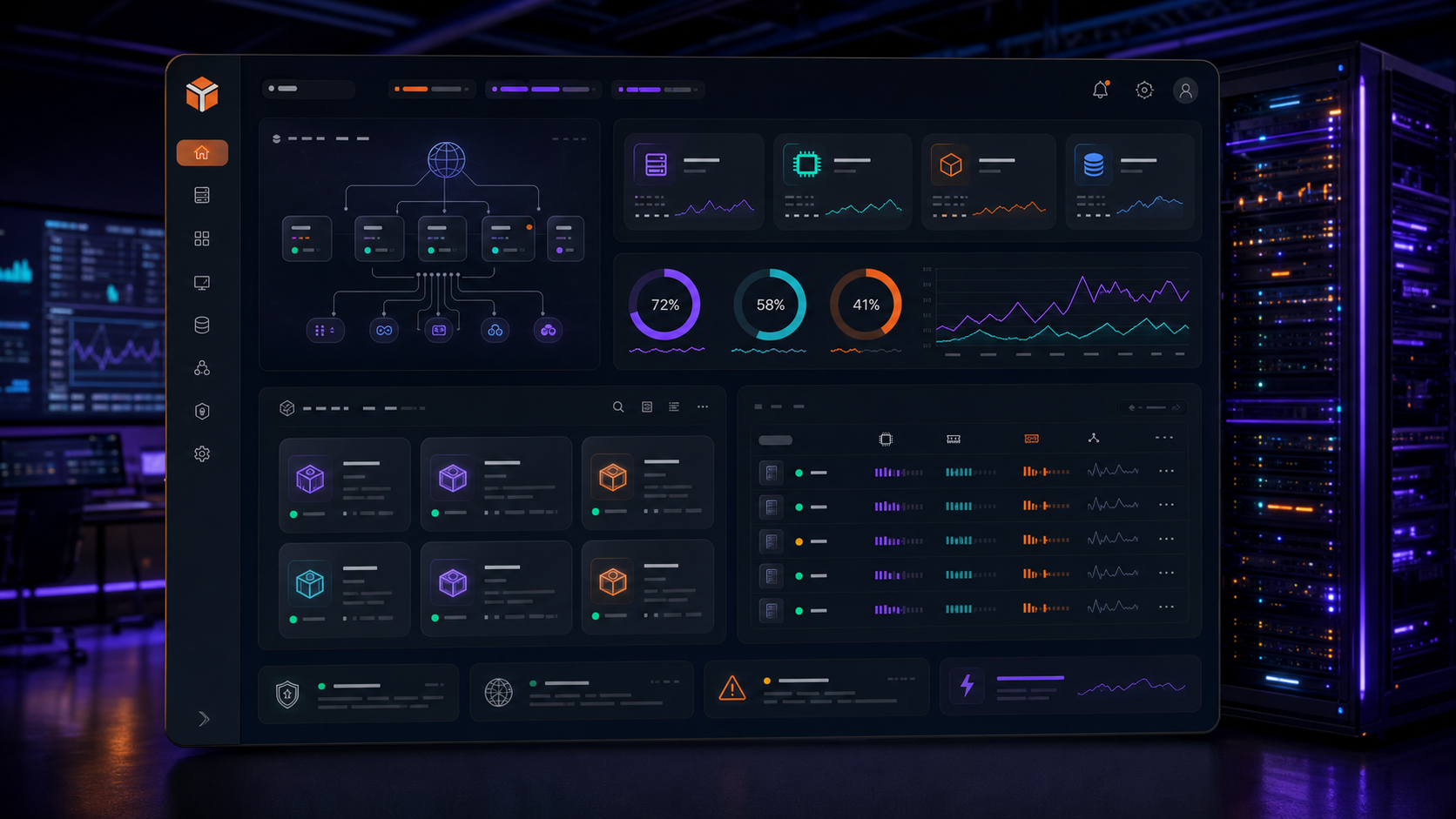
Proxmox Setup for AI Workloads
Proxmox is a strong base for self-hosted AI because it gives you clean separation between experiments, production services, and infrastructure. Instead of turning one machine into a fragile all-in-one server, you can isolate workloads and recover quickly.
Plan the host around the workload
Start with the models and services you expect to run. A chat UI, Ollama, a vector database, and workflow automation can all live on one machine, but they should not all have unlimited access to CPU, memory, and storage.
Use Best Hardware for Self-Hosted AI to size the host before buying parts.
Choose VM or container boundaries
Use VMs for workloads that need strong isolation or GPU passthrough. Use containers for lightweight services such as dashboards, databases, and internal tools. Keep one management path documented so you do not depend on memory during an outage.
Avoid mixing critical storage services with experimental AI images on the same disposable volume.
Storage layout
Local AI stacks are storage-hungry. Model files, indexes, logs, and backups grow quickly. Put model storage on a fast volume, keep application databases on reliable storage, and send backups somewhere separate from the host.
Snapshots are useful, but they are not a backup strategy by themselves.
GPU passthrough basics
GPU passthrough is powerful but easy to overcomplicate. Confirm the card works on the host, enable the required platform settings, pass it into one VM, and test inference before adding multiple services.
Document every kernel flag and host change. Future you will be grateful.
Operations checklist
Create a baseline dashboard for CPU, memory, GPU, disk, and network. Schedule backups. Keep a small emergency admin account. Patch the host on a predictable rhythm. Treat the AI stack like infrastructure, not a weekend toy.
Conclusion
Proxmox gives self-hosted AI room to mature. The best setup is not the most complex one; it is the one you can recover, patch, and understand under pressure.
FAQ
Should Ollama run in a VM or container?
A VM is easier when GPU passthrough matters. Containers are fine for lighter CPU-only services or supporting tools.
Do I need a cluster?
No. A single reliable node is better than a fragile cluster you do not need.
What should I back up?
Back up app databases, configuration, prompt libraries, workflow definitions, and any documents used for retrieval.


