Guides
Restrict Access to Private AI Dashboards with VPN and SSO
Use VPNs, identity-aware access, and role separation to keep AI dashboards private.
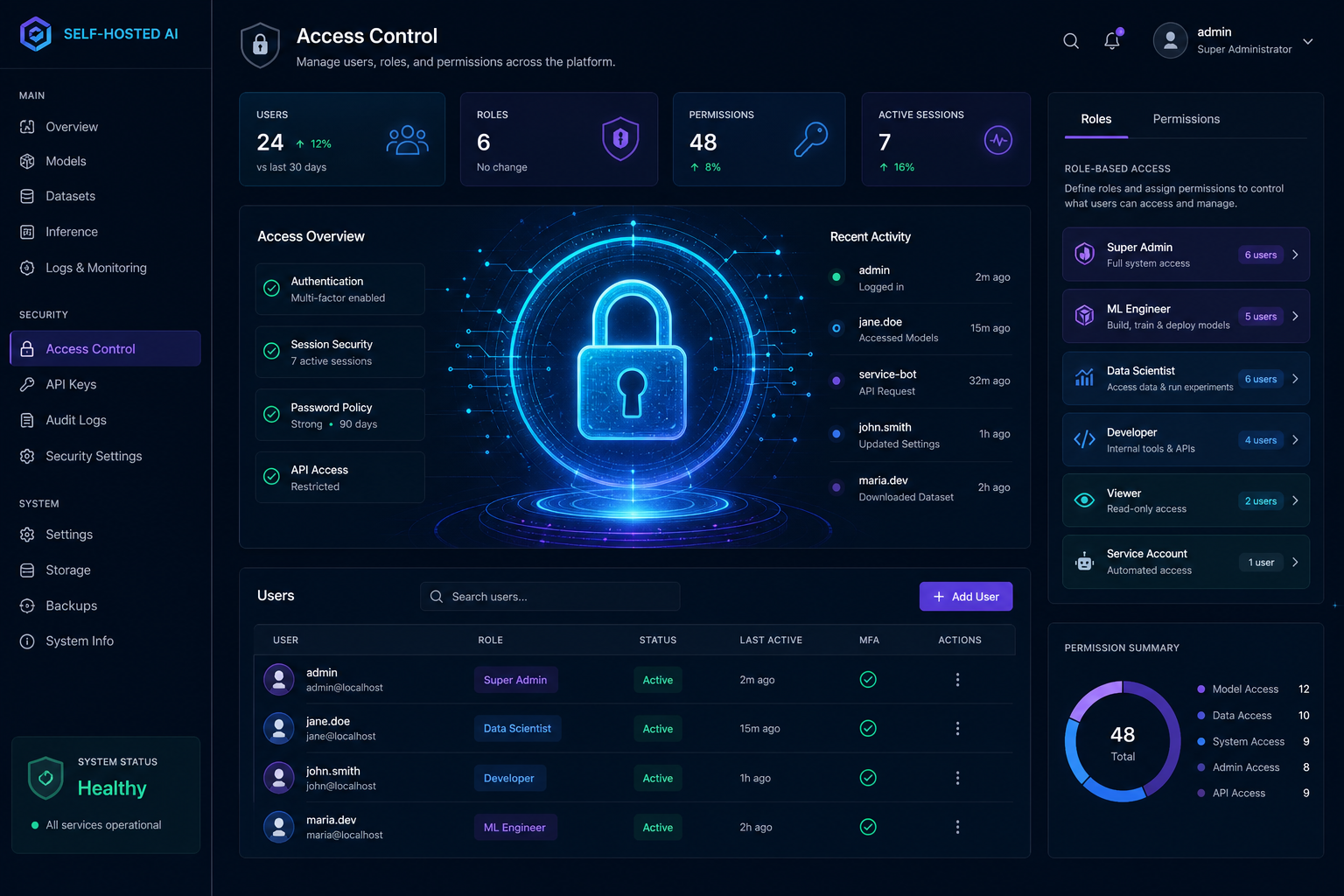
Restrict Access to Private AI Dashboards with VPN and SSO
Many self-hosted AI dashboards are built like internal tools but accidentally exposed like public websites. VPN and SSO let you keep the convenience of web access without inviting the whole internet to the party.
Choose a private access path
For most homelabs, a VPN is the simplest boundary. For teams, an identity-aware proxy or SSO front end can add user-level control and better auditing.
Separate admin and user roles
Do not give everyone the same dashboard permissions. Admin functions, model settings, and document sources should be tighter than everyday chat access.
For the application side, compare Open WebUI vs AnythingLLM so you know which interface needs the strongest controls.
Add authentication before routing
Put authentication in front of the application, not inside it alone. That way even a misconfigured backend is still protected by the outer gate.
Keep the exposure surface small
Only publish the specific hostnames and paths that users need. If you are using a proxy, align it with Caddy Reverse Proxy for Self-Hosted AI with Automatic TLS and keep everything else private.
Conclusion
Access control should be boring and strict. VPN, SSO, and role separation turn AI dashboards into manageable internal services instead of accidental public endpoints.
FAQ
Is VPN access enough?
It is a strong start, but admin panels and sensitive workspaces may still benefit from SSO or additional controls.
Should AI tools ever be public?
Only if you can justify the risk and support the hardening that comes with it.
Do I need separate accounts?
Yes. Shared accounts make auditing and incident response much harder.


