Tools
Build a Private AI Helpdesk with n8n and Open WebUI
Turn support emails and ticket queues into a private AI helpdesk with routing, summaries, and safer replies.
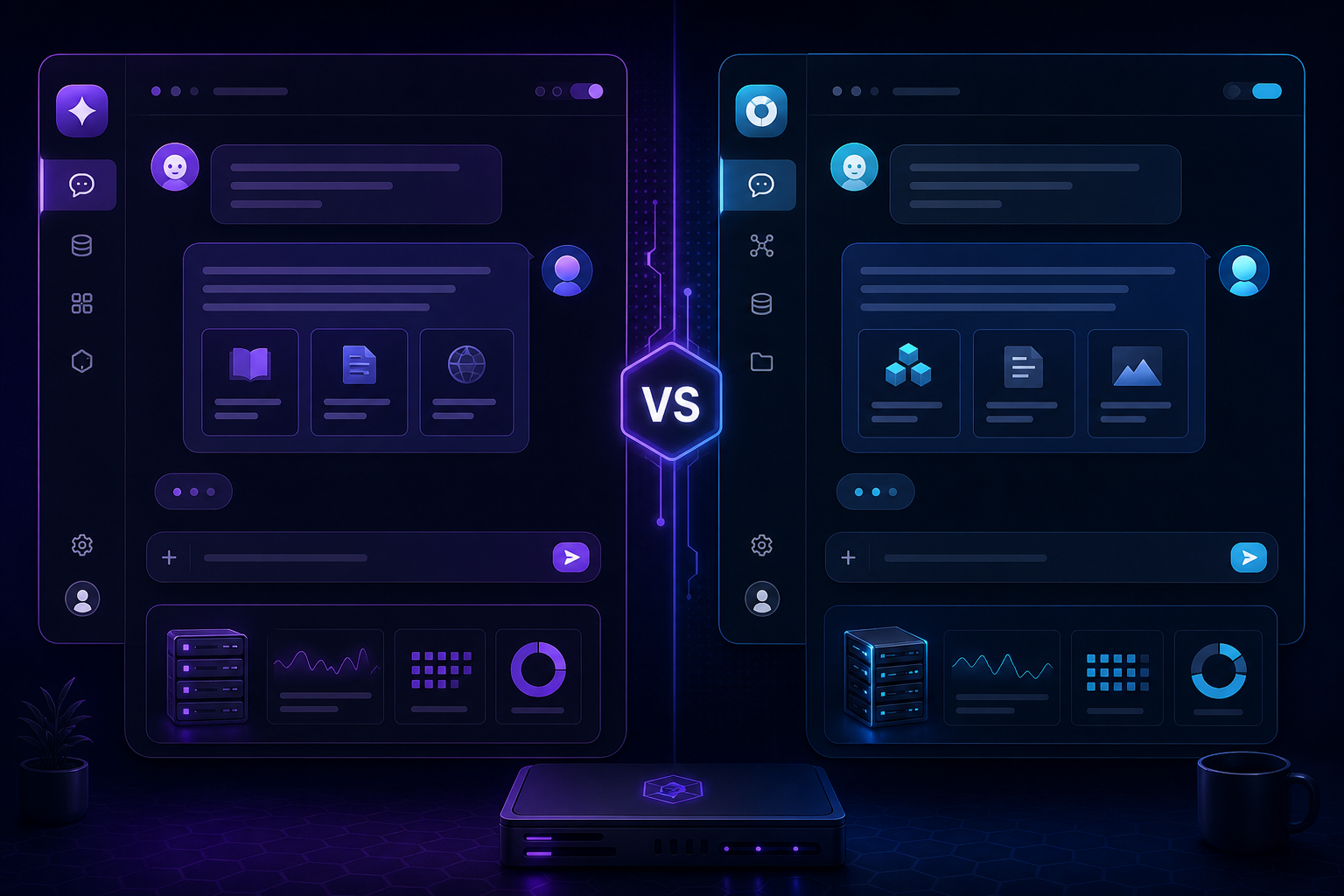
Build a Private AI Helpdesk with n8n and Open WebUI
A private helpdesk assistant can sort incoming messages, propose replies, and surface the right knowledge without sending sensitive data to a third party. n8n handles the workflow, while Open WebUI provides the chat experience for the support team.
Design the ticket flow
Start with one mailbox or one ticket queue. Pull the message into n8n, classify urgency, detect the likely topic, and generate a short summary that a human can review quickly.
Feed the assistant the right context
The difference between a helpful reply and a vague one is usually context. Compare the setup ideas in Open WebUI vs AnythingLLM and Open WebUI Setup for Local Documents so your helpdesk assistant can read the right files before it answers.
Keep responses safe and consistent
Drafts should be polite, concise, and easy to edit. For sensitive cases, the workflow should stop at a review step instead of replying automatically.
Use the helpdesk to improve knowledge
Every resolved ticket can become a better future answer if you store the summary and final fix. Over time, your internal knowledge base becomes more complete and your team answers faster.
Conclusion
The best private helpdesk is not the one that answers everything automatically. It is the one that reduces noise, highlights urgency, and gives your team a better starting point.
FAQ
Should the assistant send replies automatically?
Only for low-risk, repetitive messages with clear guardrails.
What is the best first use case?
Classification and summarisation are safer than full auto-replies.
Do I need both n8n and Open WebUI?
They work well together because one handles orchestration and the other handles the conversational layer.
