Guides
Build an Incident Response Plan for Your Self-Hosted AI Stack
Prepare for outages, leaks, and misconfigurations with a simple response plan for AI services.
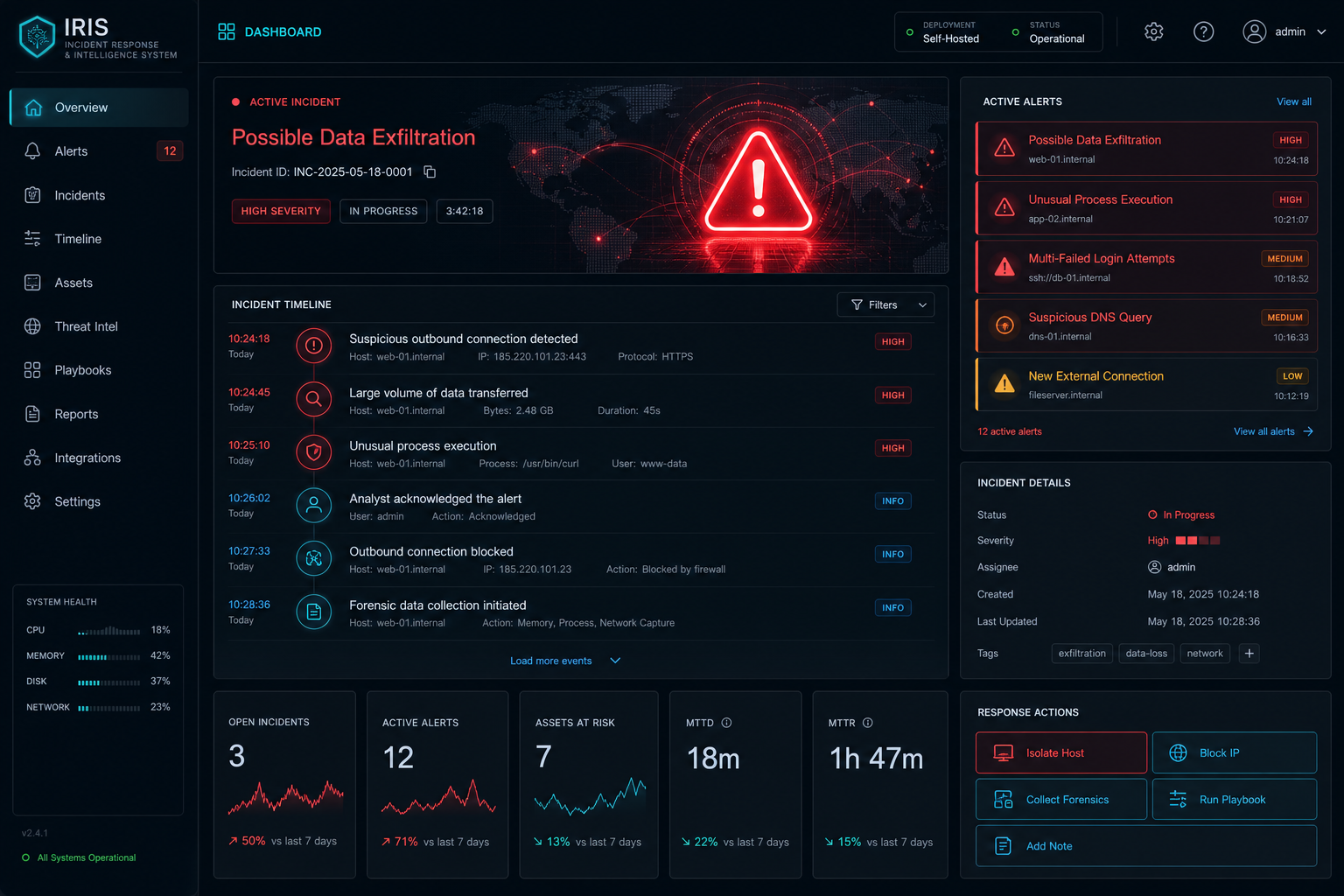
Build an Incident Response Plan for Your Self-Hosted AI Stack
An incident response plan does not need to be elaborate to be useful. For a self-hosted AI stack, the important thing is knowing what to check first, how to limit the damage, and how to restore service safely.
Define the common failure modes
Think through outages, auth failures, bad deployments, broken indexes, and storage loss. Those are the events you are most likely to face in a real self-hosted environment.
Document the recovery order
Write down which services must come back first: network access, proxy, database, document store, model runtime, then UI. That order reduces guesswork during a stressful event.
Use Proxmox Backup Strategy for AI VMs and Containers to make sure your restore steps are realistic, not theoretical.
Keep containment simple
If something is exposed unexpectedly, isolate it quickly by disabling the proxy route, removing public DNS, or cutting network access. Caddy Reverse Proxy for Self-Hosted AI with Automatic TLS is a good control point for that kind of response.
Review after every incident
Record what happened, what failed, and what you changed afterwards. Improvements should feed back into hardening, monitoring, and access control.
For the security baseline, revisit How to Secure a Self-Hosted AI Server and keep the plan aligned with the architecture.
Conclusion
The best incident response plan is short, known, and tested. If you can isolate, restore, and review quickly, your AI stack becomes far more resilient.
FAQ
Should I write a formal runbook?
Yes, but keep it practical and short enough to use under pressure.
How often should I test it?
After major changes and at regular intervals, such as quarterly.
What is the most important first action in an incident?
Stabilise the system and stop the bleeding before trying to optimise anything.


