Guides
Proxmox Backup Strategy for AI VMs and Containers
Protect Proxmox-based AI workloads with snapshots, off-host backups, and tested restore steps.
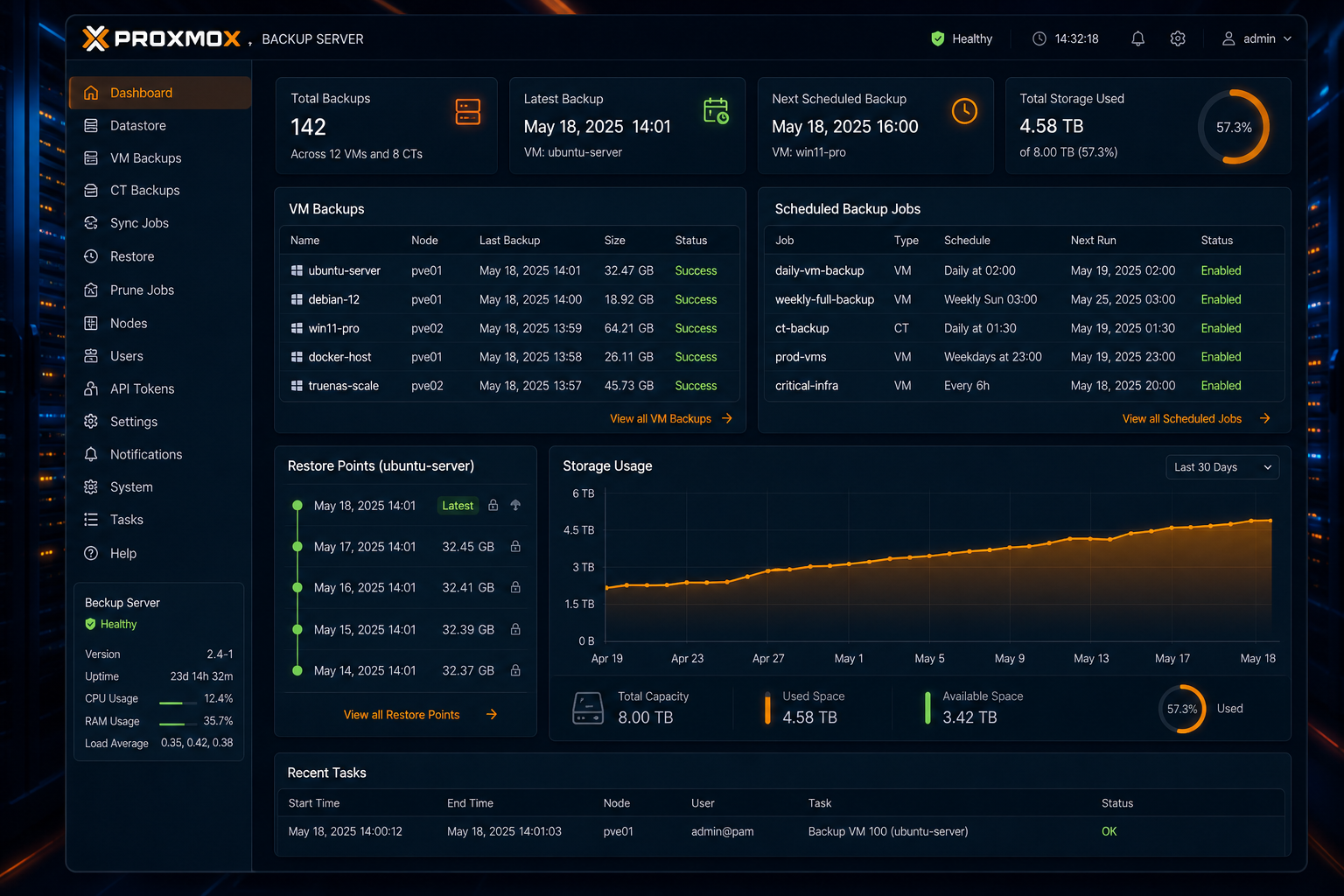
Proxmox Backup Strategy for AI VMs and Containers
AI servers accumulate state quickly: databases, prompt libraries, model caches, documents, and configuration all matter. In Proxmox, a good backup strategy is the difference between a quick restore and a long rebuild.
Back up what you cannot easily recreate
The important targets are configuration, databases, document stores, and workflow definitions. You can usually re-download models, but you should not assume you can recreate every prompt or index.
Treat snapshots as a speed tool
Snapshots are great before upgrades, but they do not replace a separate backup copy. For host planning and workload boundaries, revisit Proxmox Setup for AI Workloads.
Store backups off the host
Keep at least one copy outside the Proxmox node, ideally on separate storage or another system. If the host is lost, encrypted, or corrupted, local-only backups will not help.
Test the restore path
A backup is only useful if it restores cleanly. Document how to recover the VM, reattach volumes, and verify the AI services still start. Test restores after major changes, not just once a year.
For the app layer, use How to Secure a Self-Hosted AI Server to decide which credentials and data stores deserve the strongest protection.
Conclusion
Backups should be routine, off-host, and verifiable. If you can restore the stack under pressure, your AI environment is much safer to operate.
FAQ
Are snapshots enough?
No. Use them for quick rollback, but keep separate backups as well.
What should I test first?
Database recovery and service startup are the best first checks.
Do I need to back up model files?
Only if re-downloading them would be slow or expensive in your environment.


