Tools
Choose the Right Chat Interface for a Self-Hosted AI Stack
Pick a chat interface that matches your model, workflow, and daily usage patterns.
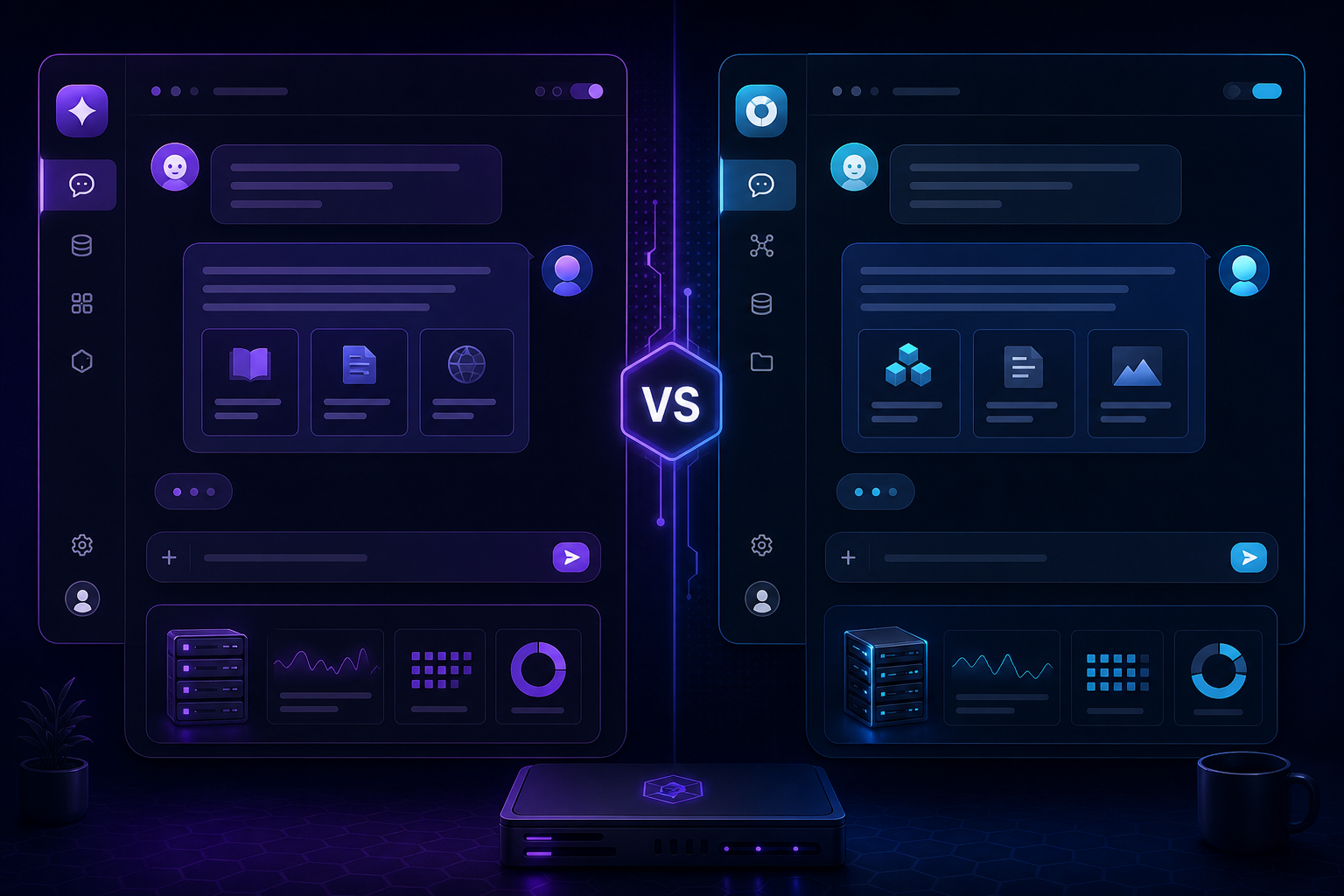
Choose the Right Chat Interface for a Self-Hosted AI Stack
The chat interface is what people actually experience every day, so it matters more than many builders expect. A good interface should make the model easier to use, not add extra friction or obscure the workflow.
Decide what matters most
If you want a simple ChatGPT-like experience, focus on speed and polish. If your work is document-heavy, focus on workspace structure and retrieval. If your team needs repeatable operations, think about permissions and integrations too.
Read Open WebUI vs AnythingLLM for a practical comparison between two popular local options.
Match the interface to your workflow
For daily chat, choose a front end that feels fast and obvious. For knowledge work, choose a system that handles collections of documents well. For collaborative use, make sure access control and admin features are strong enough.
Avoid interface sprawl
Running too many UIs at once makes the stack harder to support. Start with one interface, get it stable, then add a second only if it has a clearly different job.
Improve the experience after launch
Once the interface is in place, refine prompt templates, favourites, and model defaults. Small usability improvements often matter more than a new feature list.
See Improve Chat UX in Open WebUI for Faster Daily Use for practical ideas.
Conclusion
The right chat interface is the one people actually enjoy using. If it makes the model feel easier, faster, and safer to work with, it has done its job.
