Tools
Improve Chat UX in Open WebUI for Faster Daily Use
Make local chat more usable with better history, model selection, prompt habits, and workspace design.
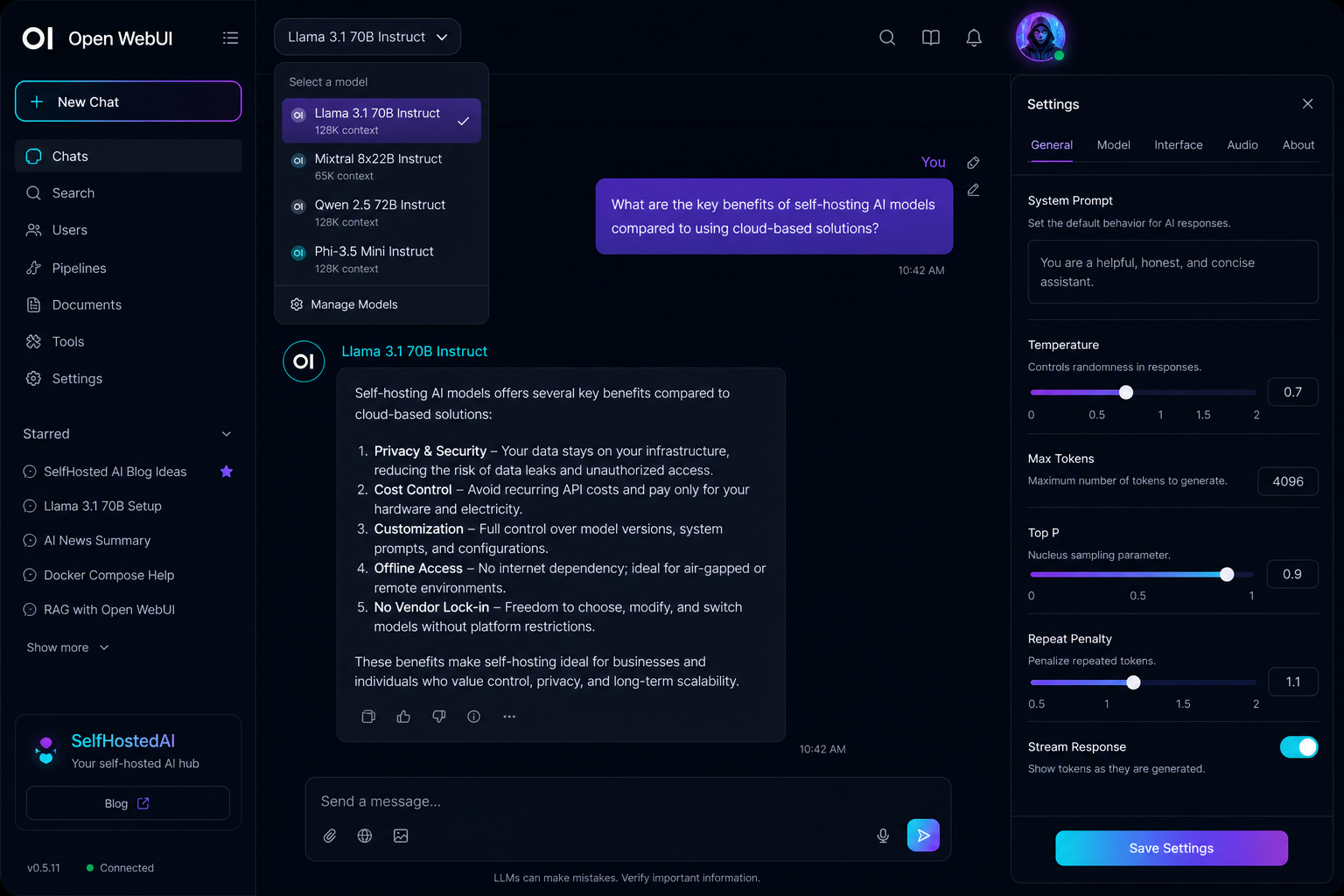
Improve Chat UX in Open WebUI for Faster Daily Use
A good chat interface should disappear into the background. The less friction users feel, the more likely they are to reuse the system for real work.
Reduce the number of decisions
Make it easy to pick a default model, reuse known-good prompts, and find recent conversations. If users must think too much about the interface, they will avoid it.
Start with Open WebUI Setup for Local Documents if your main use case is document chat.
Improve conversation hygiene
Short, descriptive titles help with session management. Encourage users to split unrelated tasks into separate chats and to restart when the topic changes.
Make outcomes easy to copy
People often want the answer, not the conversation. Clear formatting, exportable text, and easy copy actions make the chat feel more useful.
Reduce prompt friction
Provide a few reusable templates for summaries, rewrites, question answering, and extraction. This helps users get better results without memorising prompt tricks.
For deeper prompt guidance, see Prompt Tuning for Local LLMs Without Overcomplicating Things.
Conclusion
Open WebUI feels better when it is tuned for real habits rather than demo behaviour. Keep the interface predictable and the workflows repeatable.
FAQ
What is the biggest UX improvement?
Reducing decision fatigue usually has the biggest effect.
Should users keep one chat per topic?
Yes. It keeps context cleaner and makes retrieval from history much easier.
Do templates really help?
Yes. Good templates lower the effort needed to get consistent results.
