Models
DeepSeek R1 Local Setup Guide: Run a Reasoning Model on Your Own Hardware
Install DeepSeek R1 locally, configure quantised variants for consumer GPUs, and build a private reasoning workflow that keeps data off third-party servers.

DeepSeek R1 Local Setup Guide: Run a Reasoning Model on Your Own Hardware
DeepSeek R1 changed the conversation around open-weight reasoning models. It demonstrates that complex chain-of-thought reasoning is no longer exclusive to closed APIs. With the right quantised variant and a sensible local setup, you can run it privately on consumer hardware.
What makes DeepSeek R1 different
DeepSeek R1 is not just another chat model. It is trained to produce visible reasoning traces before it answers, which makes it useful for multi-step logic, mathematical problem solving, code generation, and structured analysis. The open-weight release means you can run it locally without sending your prompts to a third party.
If you are comparing the landscape, read Mistral vs Llama vs Qwen: Choosing the Best Open-Weight Model Family to understand where reasoning models fit alongside general-purpose families.
Hardware requirements
DeepSeek R1 comes in several sizes. The full variant demands significant VRAM, but quantised versions bring the requirements into reach of consumer hardware.
Minimum viable setup
For a Q4 or Q5 quantised 7B variant, you need roughly 6-8 GB of VRAM or 16 GB of system RAM for CPU-only inference. A Q3 or Q2 quantised larger variant may fit into 12 GB of VRAM with acceptable quality for most reasoning tasks.
If you are planning a build around this model, start with Best Hardware for Self-Hosted AI before buying components.
Recommended hardware
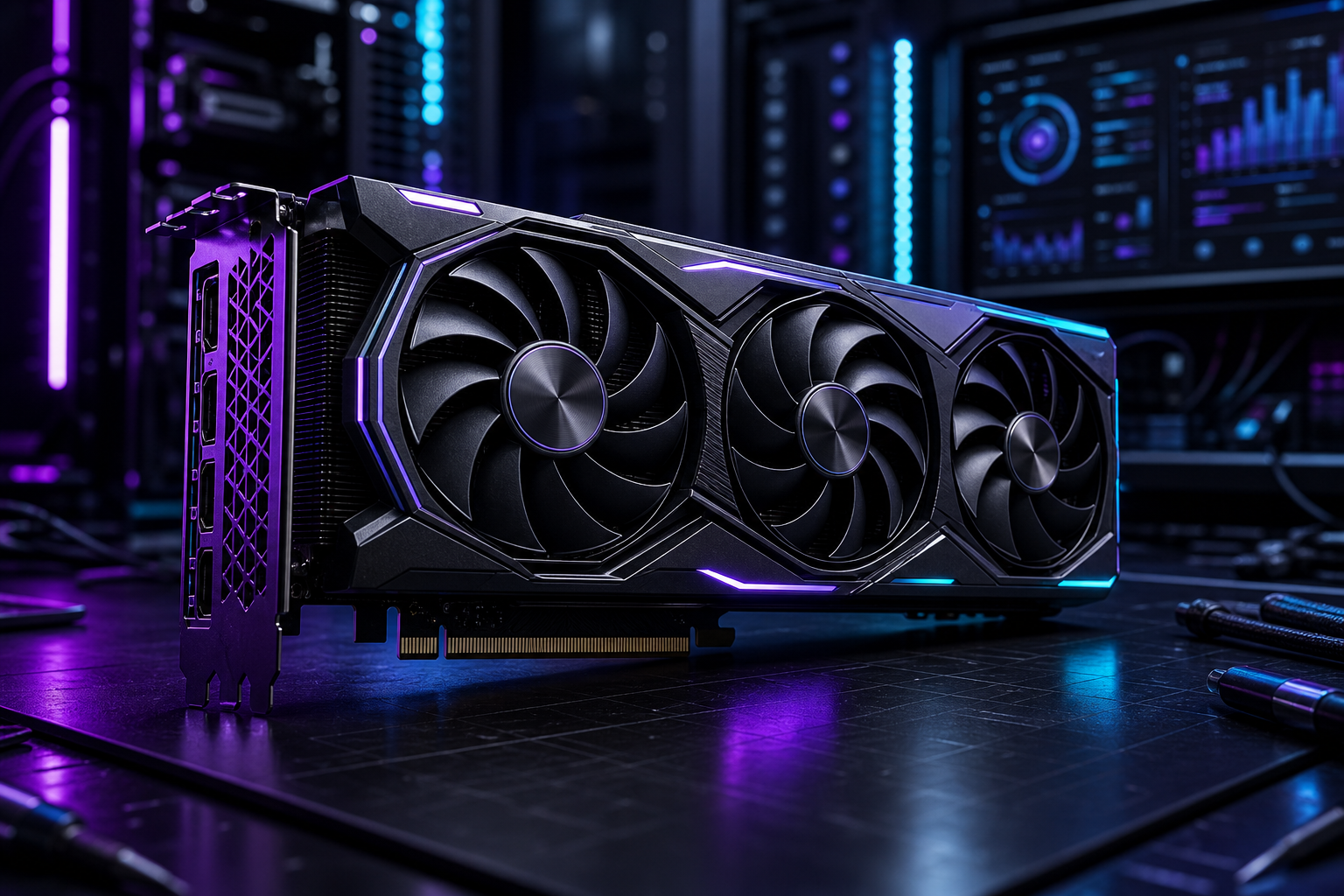
A single consumer GPU with 12-24 GB of VRAM paired with 32 GB of system RAM gives you room to run a 14B-30B quantised variant comfortably. For CPU-only setups, prioritise fast RAM and enough cores to handle the reasoning loop without excessive swapping.
Installation paths
You have two reliable options for running DeepSeek R1 locally.
Using Ollama
Ollama supports DeepSeek R1 through its model library. Pull the model, check the available tags for quantised variants, and start an interactive session. Ollama handles the runtime details so you can focus on testing prompts.
After the model is running, pair it with Open WebUI vs AnythingLLM for a proper chat interface.
Using llama.cpp directly
For more control over context length, batch size, and GPU layers, compile or download llama.cpp and point it at a GGUF version of DeepSeek R1. This path is useful when you need to tune performance for specific hardware.
Building a reasoning workflow
DeepSeek R1 shines when you give it problems that benefit from step-by-step reasoning.
Effective prompt patterns
Ask for structured output, specify the reasoning format, and provide enough context for the model to work through. Avoid vague prompts — DeepSeek R1 performs best when it knows what kind of reasoning you expect.
For general prompting guidance, see Prompt Engineering for Local AI That Produces Better Answers.
Practical use cases
- Code review with detailed reasoning about potential bugs
- Research analysis that works through evidence step by step
- Document summarisation with structured extraction
- Decision support with pros, cons, and trade-off analysis
Performance tuning
Reasoning models are slower than chat models by design, but you can improve throughput with careful configuration.
Key levers
- **GPU layers**: Offload as many layers as your VRAM allows
- **Context length**: Keep it as short as your task allows
- **Batch size**: Increase for throughput, decrease for latency
- **Thread count**: Match CPU threads to your physical core count for CPU layers
Conclusion
DeepSeek R1 brings genuine reasoning capability to the self-hosted stack. With quantised variants and a properly sized machine, you get a private reasoning model that handles multi-step analysis without sending your data anywhere.
FAQ
Can DeepSeek R1 run on a laptop?
Yes, if you use a quantised 7B variant. Expect slower inference and be careful with thermals on sustained reasoning tasks.
Is DeepSeek R1 better than Llama for reasoning?
For structured multi-step reasoning, DeepSeek R1 often outperforms general-purpose models of similar size. For chat and creative tasks, Llama remains competitive.
Do I need a GPU?
A GPU helps significantly with reasoning speed, but CPU-only inference with a quantised variant works for non-interactive tasks.