Use Cases
Practical Local AI Workflows for Teams Using Open WebUI and Ollama
Put local AI into team workflows with shared prompts, permissions, document chat, and repeatable habits.
Practical Local AI Workflows for Teams Using Open WebUI and Ollama
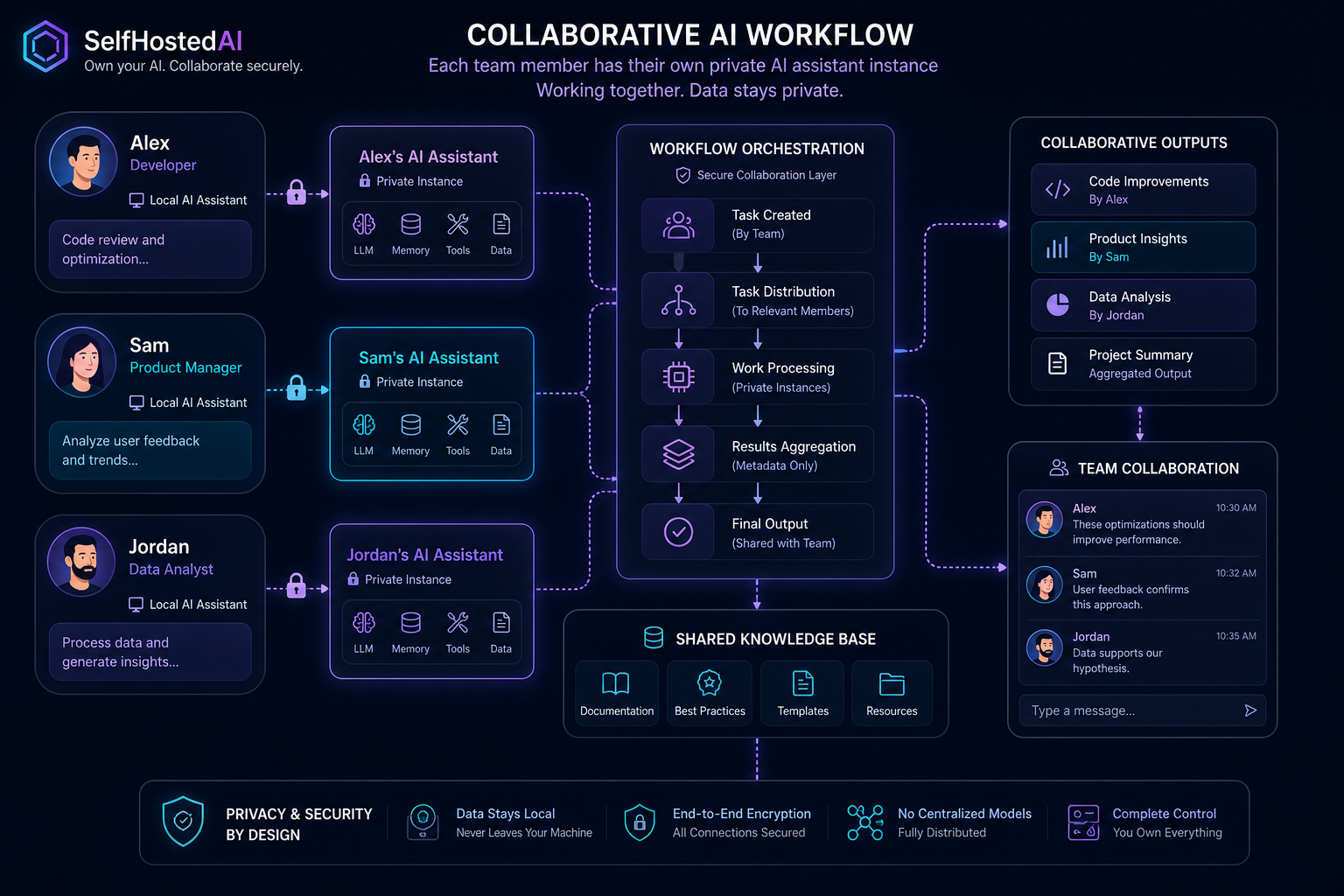
Teams get value from local AI when the system fits everyday work rather than forcing a special process. Open WebUI and Ollama together can provide a private, practical surface for shared prompts, document chat, and repeatable tasks.
Pick one team workflow first
Choose a workflow that already exists: answering policy questions, drafting summaries, or searching project notes. One strong use case is better than a vague promise to automate everything.
Use Open WebUI Setup for Local Documents if document chat is central to the team.
Keep prompt standards consistent
Shared prompt templates reduce variability and make results easier to compare. Establish a small library of approved prompts for summaries, rewrites, and retrieval-based Q&A.
Separate power users and casual users
Not everyone needs the same controls. Give advanced users more flexibility, but keep the default experience simple for everyone else.
Add governance early
Decide who can see which documents, which models are allowed, and what data may leave the local environment. Good governance makes adoption easier because people know where the boundaries are.
Read How to Secure a Self-Hosted AI Server before expanding to more users.
Conclusion
Team AI works when it is quiet, repeatable, and well bounded. Start with one workflow, document the rules, and scale only when the process is stable.
FAQ
Should every team member use the same model?
Not always, but the defaults should be standardised to reduce confusion.
What is the best first team use case?
Document Q&A or summary generation is usually a good first step.
How do I keep it maintainable?
Keep the workflow narrow, the prompt library short, and the access rules explicit.


