Tools
AnythingLLM Compared to Open WebUI for Teams: Collaboration, Permissions, and Document Workflows
Compare AnythingLLM and Open WebUI for team collaboration, multi-user access, document workspaces, and permission management.
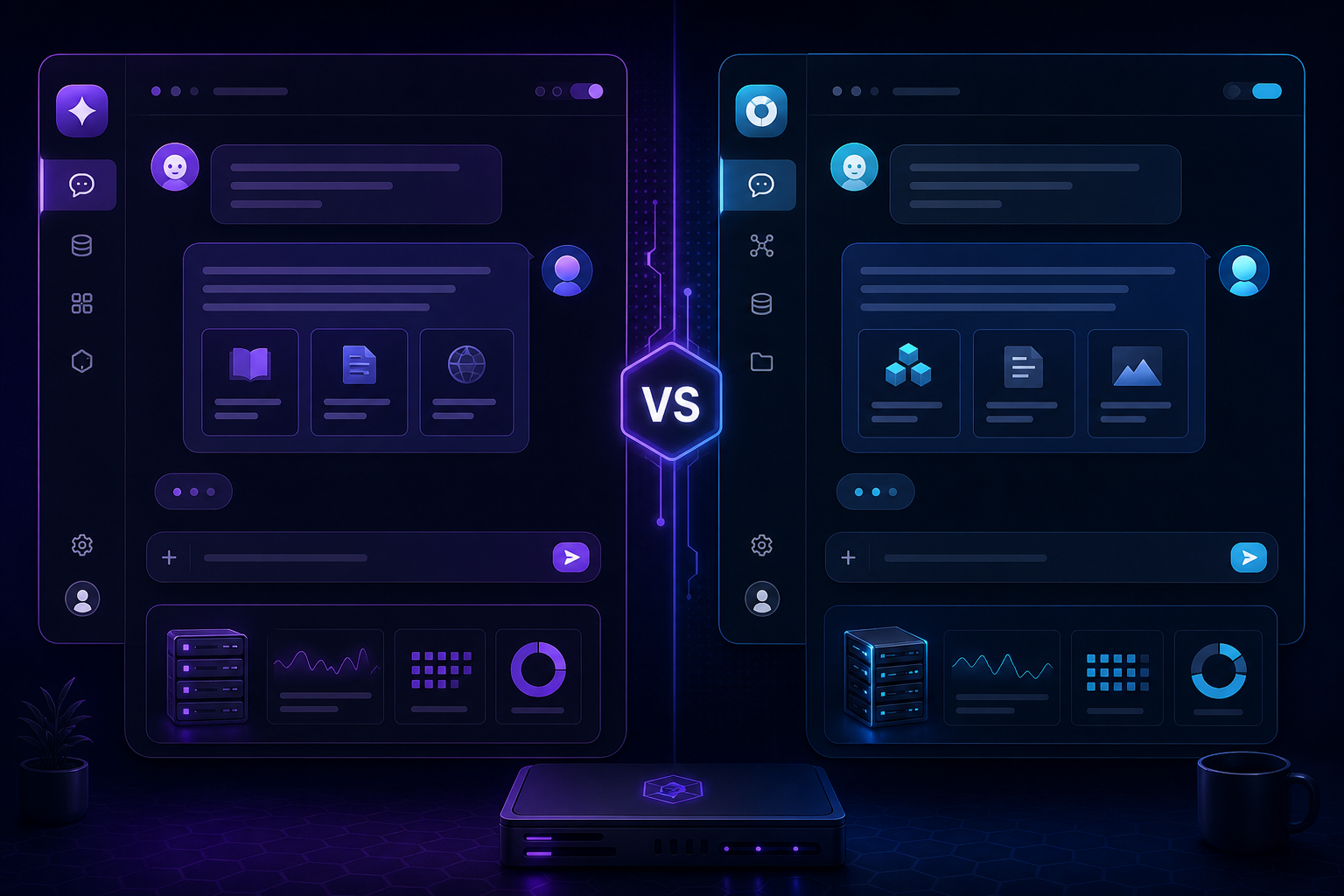
AnythingLLM Compared to Open WebUI for Teams: Collaboration, Permissions, and Document Workflows
The first comparison between these tools often focuses on individual use. But the decision changes when you add multiple users, document workspaces, and permission boundaries. Here is how AnythingLLM and Open WebUI differ when teams are involved.
AnythingLLM: workspace-first collaboration
AnythingLLM organises documents, conversations, and settings into workspaces. Each workspace has its own documents, model settings, and prompts. This makes it straightforward to give different teams their own knowledge environments without mixing data.
Granular permissions
Workspace-level access control lets you define who can view, edit, or manage each workspace. Users only see the documents and conversations relevant to their team.
For permission design, see Restrict Access to Private AI Dashboards with VPN and SSO.
Open WebUI: chat-first with growing team features
Open WebUI has evolved from a single-user chat interface into a multi-user platform. It now supports user authentication, admin panels, and model access controls, though its document management is less workspace-oriented than AnythingLLM.
Model-level access control
Open WebUI lets admins control which models each user or group can access. This is useful when different teams need different model capabilities or when GPU resources are shared.
Document workflow comparison
| Feature | AnythingLLM | Open WebUI |
|---------|-------------|------------|
| Workspace isolation | Built-in, strong | Via document collections |
| Multi-user permissions | Per-workspace | Per-user, per-model |
| Document ingestion | Dedicated pipeline | Built-in RAG engine |
| Custom prompts per workspace | Yes | Via model configuration |
| Shared chat history | Per workspace | Global with search |
Which tool fits your team?
Choose AnythingLLM if your team needs strong document workspace isolation, per-workspace permissions, and document-heavy workflows. Choose Open WebUI if your team interacts with local AI primarily through chat and needs model-level access controls.
For a broader tool comparison covering the individual experience, revisit Open WebUI vs AnythingLLM.
Running both tools together
There is no rule that says you must pick one. Many teams run both: Open WebUI for everyday chat and AnythingLLM for document workspaces. Both can point to the same Ollama backend, sharing the model runtime while serving different use cases.
Read Docker Compose for Self-Hosted AI: Ollama, Open WebUI, and AnythingLLM Together for a unified deployment approach.
Conclusion
Team collaboration changes the tool selection calculus. AnythingLLM leads for document-centric team workflows; Open WebUI excels for chat-first multi-user environments. Evaluate both against your team's actual workflow before committing to one.
FAQ
Can both tools share the same user directory?
No, they have separate user databases. Consider a single sign-on layer if user management becomes cumbersome.
Which tool handles larger document libraries better?
AnythingLLM's workspace model scales better for large, varied document collections with access boundaries.
Do I need separate model servers for each tool?
No. Both can use the same Ollama instance, reducing hardware requirements.
