Tutorials
Docker Compose for Self-Hosted AI: Ollama, Open WebUI, and AnythingLLM Together
Run Ollama, Open WebUI, and AnythingLLM in one Docker Compose stack with private networking, persistent storage, and GPU access.
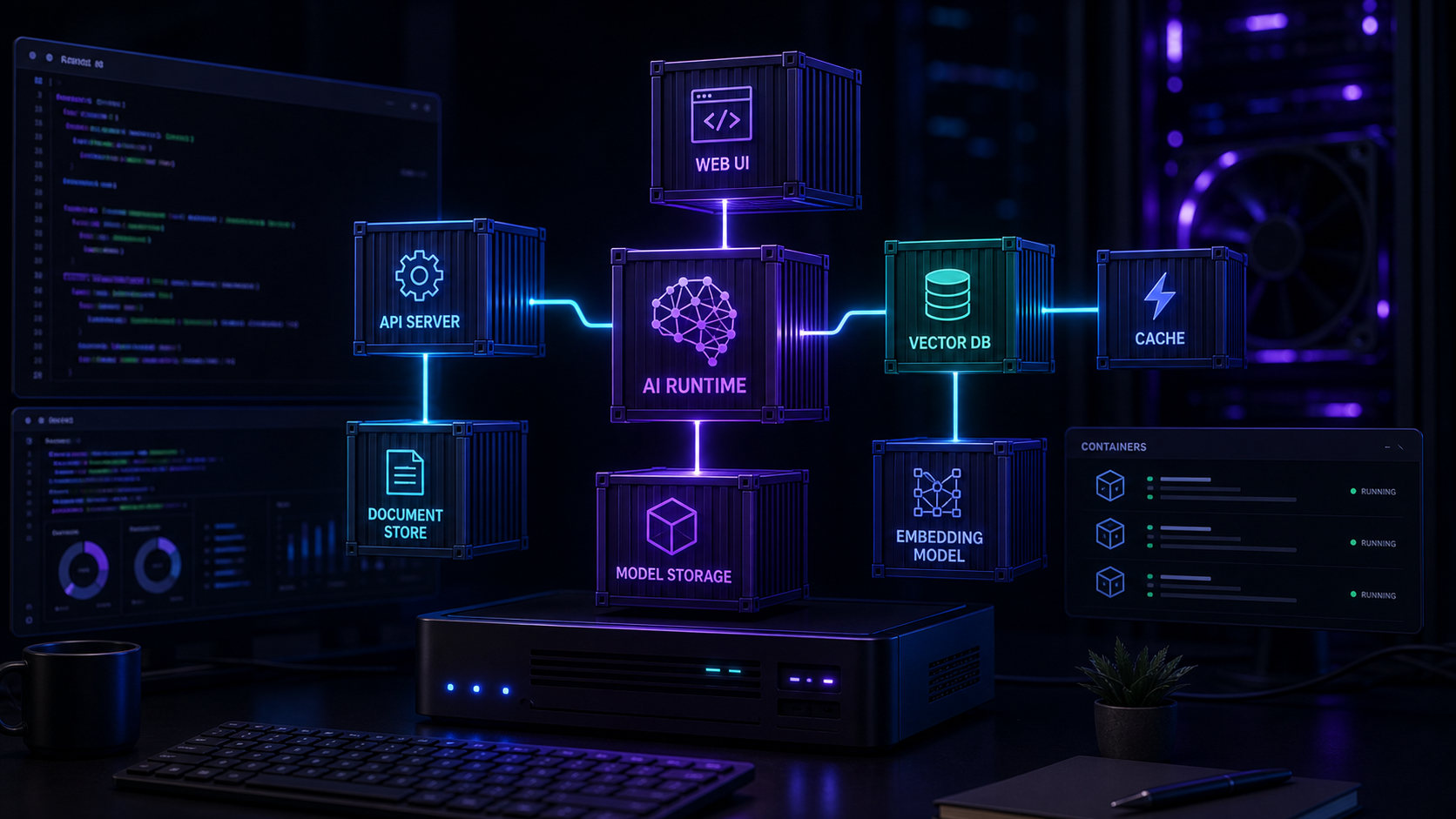
Docker Compose for Self-Hosted AI: Ollama, Open WebUI, and AnythingLLM Together
A single Docker Compose file can run your entire local AI stack — model server, chat interface, and document workspace — with defined networking, persistent storage, and GPU acceleration. This setup is repeatable, portable, and easier to maintain than separately installed services.
Why compose the stack
Running each service independently works, but it creates configuration drift, port conflicts, and undocumented dependencies. A Compose file makes the entire stack declarative. You can version it, rebuild it, and reproduce it on another machine with one command.
For the foundational Docker knowledge, start with Docker Setup for Local AI Tools.
Service architecture
The stack has three layers:
1. **Ollama** — the model runtime serving inference and embeddings
2. **Open WebUI** — the primary chat interface connected to Ollama
3. **AnythingLLM** — the document workspace and retrieval layer
Ollama and AnythingLLM each need their own model download and storage paths. Open WebUI acts as the primary user-facing interface, while AnythingLLM handles document-heavy workflows.
Compose file structure
Create a project directory with the Compose file, an `.env` for secrets, and a `data/` folder for persistent volumes. Each service should have its own network segment where appropriate.
GPU access configuration
Ollama needs GPU device access for inference acceleration. Add the NVIDIA runtime and device reservations to the Ollama service definition. AnythingLLM can run on CPU for embedding tasks, keeping GPU cycles available for chat inference.
Networking and access
Keep the internal services on a private Docker network. Expose only Open WebUI's port to the host, and protect it behind authentication. AnythingLLM and Ollama do not need host port exposure if Open WebUI can reach them over the internal network.
For external access patterns, see Caddy Reverse Proxy for Self-Hosted AI with Automatic TLS.
Persistent storage
Model files, chat histories, document indexes, and embedding databases all need persistent volumes. Map each to a named volume or a host directory so data survives container restarts and updates.
Backup the right directories
Back up the Ollama model directory, Open WebUI data directory, and AnythingLLM storage folder. Model files can be re-downloaded, but your document indexes and configuration cannot.
For backup practices, read Proxmox Backup Strategy for AI VMs and Containers and apply the same principles to your Docker volumes.
Daily operations
Restart the stack with `docker compose restart`, update individual services by pulling new images, and monitor logs with `docker compose logs -f`. Keep the Compose file in version control and document any changes outside the default configuration.
Conclusion
A Compose-based AI stack is more predictable than a collection of ad-hoc services. It gives you a single source of truth for the entire environment and makes recovery, updates, and reproduction straightforward.
FAQ
Can I add more services to the stack?
Yes. ChromaDB, Qdrant, n8n, or a reverse proxy can be added as additional services in the same Compose file.
How do I update individual services?
Pull the new image with `docker compose pull <service>` and restart with `docker compose up -d <service>`.
Does this stack work on a single machine?
Yes. The entire stack runs comfortably on a machine with 16 GB of RAM and a mid-range GPU for model inference.


