Tutorials
Caddy Access Controls for Self-Hosted AI Dashboards
Use Caddy to enforce authentication, route limits, and safer exposure rules for AI dashboards.
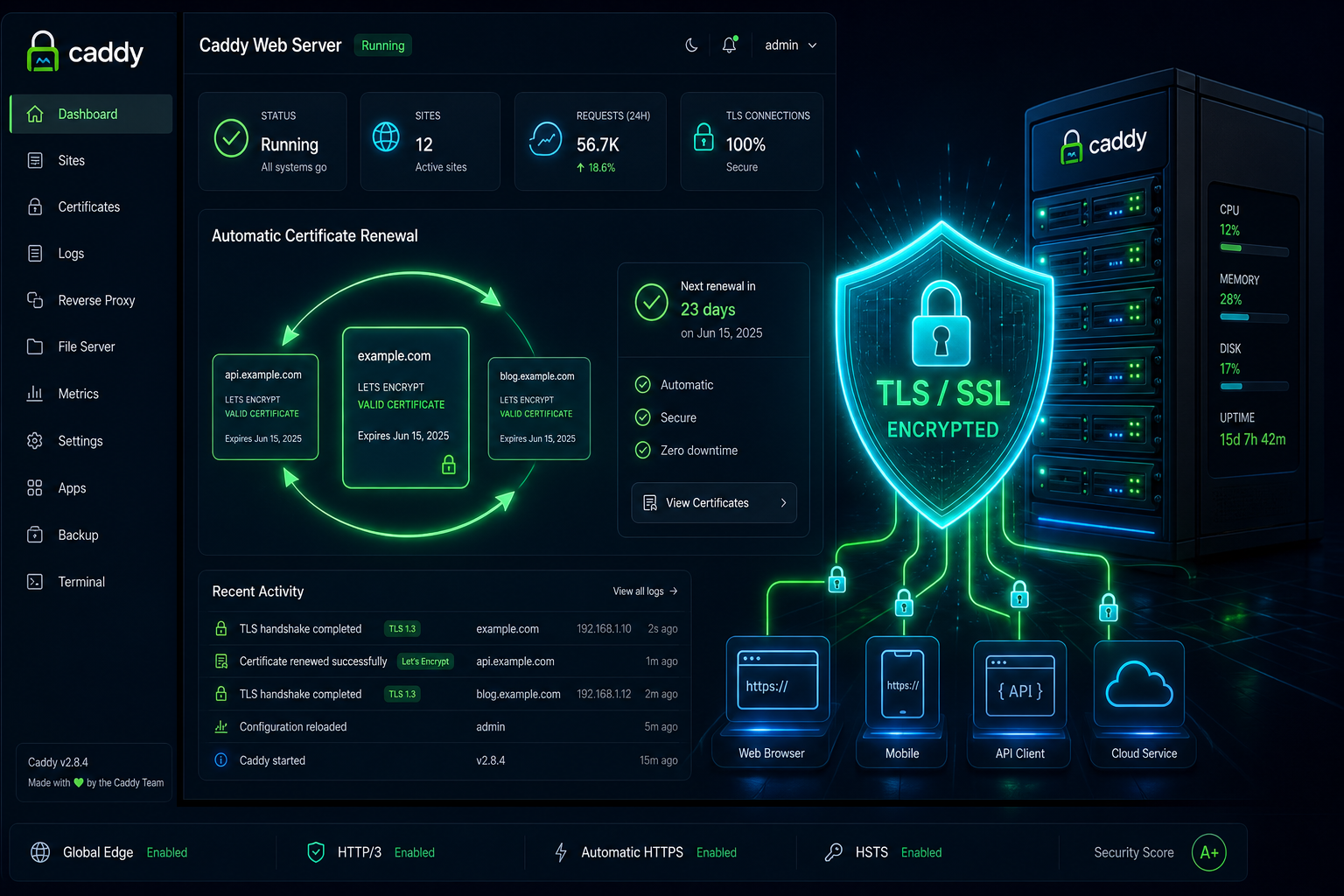
Caddy Access Controls for Self-Hosted AI Dashboards
Caddy is useful because it is easy to understand under pressure. If you are exposing an AI dashboard, use that simplicity to your advantage by making Caddy the place where authentication and route policy live.
Put policy at the edge
Do not rely on the application alone to defend itself. The proxy should block accidental exposure before requests ever reach the UI. Start from Caddy Reverse Proxy for Self-Hosted AI with Automatic TLS, then tighten the paths that matter most.
Decide what is public
For many AI dashboards, the only truly public page should be the login screen. Everything else should be gated by authentication, network allowlists, or both.
Protect the sensitive routes
Metrics pages, uploads, admin panels, and retrieval workspaces deserve stricter controls than normal chat pages. If you need a broader private access model, combine Caddy with the approach in Restrict Access to Private AI Dashboards with VPN and SSO.
Keep TLS and auth aligned
The TLS layer and the authentication layer should work together. Use the checks from TLS Hardening Checklist for Caddy on a Self-Hosted AI Server so you know the transport path is clean before you worry about application behaviour.
Conclusion
Good access control is mostly about restraint. Publish less, protect more, and keep the proxy configuration readable enough to audit later.


