Tutorials
TLS Hardening Checklist for Caddy on a Self-Hosted AI Server
Tighten your TLS posture with good defaults, redirect rules, and safer proxy settings.
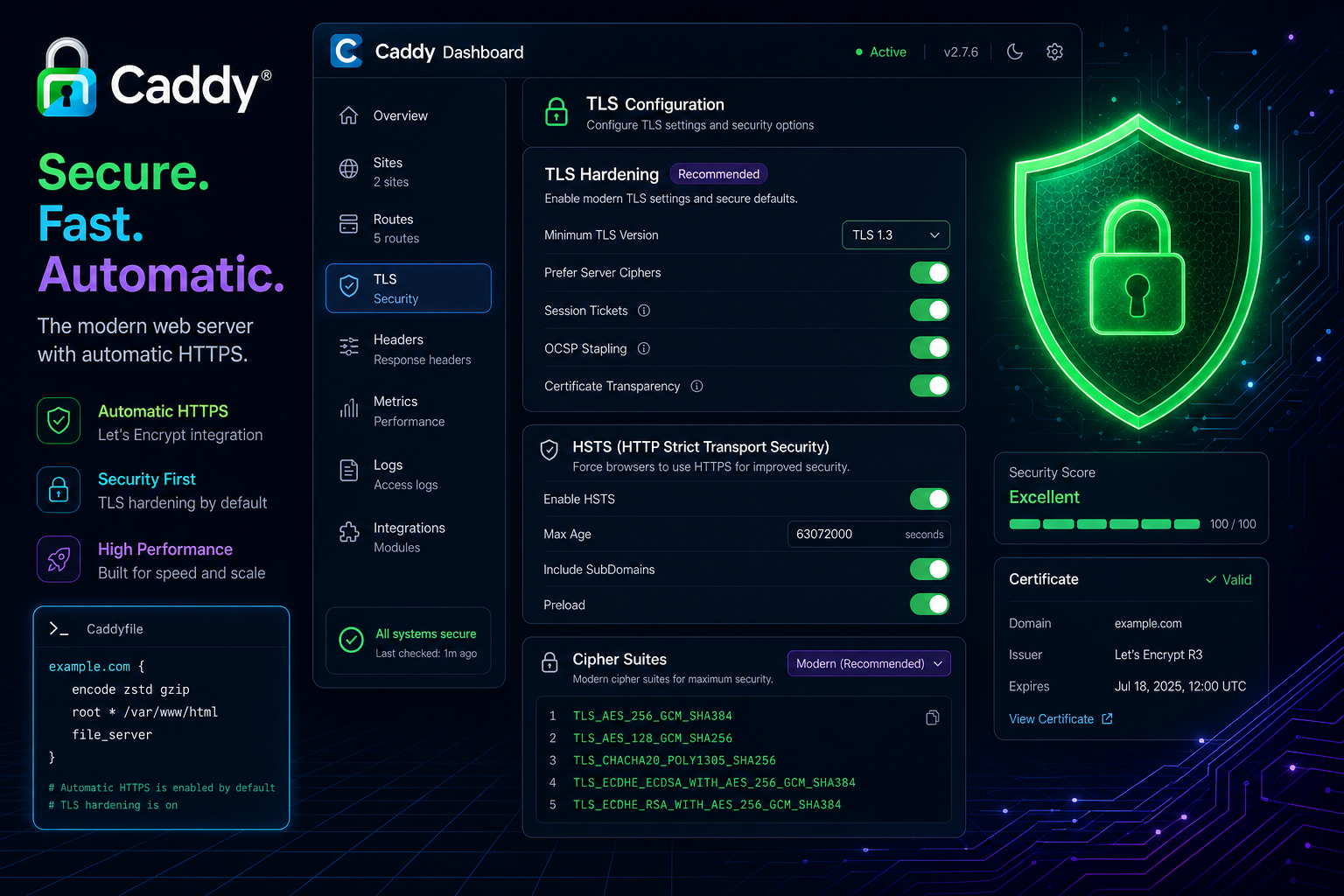
TLS Hardening Checklist for Caddy on a Self-Hosted AI Server
TLS is easy to turn on and easy to leave at its defaults. If you are exposing AI services through Caddy, a short hardening checklist keeps the setup reliable and less surprising.
Use sensible certificate and redirect behaviour
Make sure HTTP redirects to HTTPS, weak routes are removed, and the certificate lifecycle is automated. The aim is a clean handshake path with no extra maintenance.
Keep the proxy narrow
Only expose what users need. If the service is only meant for internal use, combine Caddy with the access patterns described in Restrict Access to Private AI Dashboards with VPN and SSO.
Prefer modern defaults
Avoid legacy ciphers and old protocol versions when your deployment options allow it. Use strong hostnames, keep certificates current, and verify the chain from a client machine.
Test public and private paths separately
The frontend might look fine while an admin endpoint is still reachable. Check every route, especially upload, metrics, and admin pages. If you are publishing Open WebUI, cross-check Secure Public Exposure for Open WebUI Behind Caddy.
Conclusion
TLS hardening is mostly about discipline. Keep the proxy simple, verify the redirects, and test the exact paths users will hit.
FAQ
Does Caddy handle certificates automatically?
Yes, but you still need to control what is exposed and how it is routed.
Should I disable HTTP entirely?
In most cases, yes, or at least redirect it cleanly to HTTPS.
Is TLS enough without authentication?
No. TLS protects transport, not authorisation.


