Tutorials
Create a Local Document Q&A Workflow for Faster Answers
Set up a practical question-answering workflow for PDFs, notes, and internal knowledge on your own server.
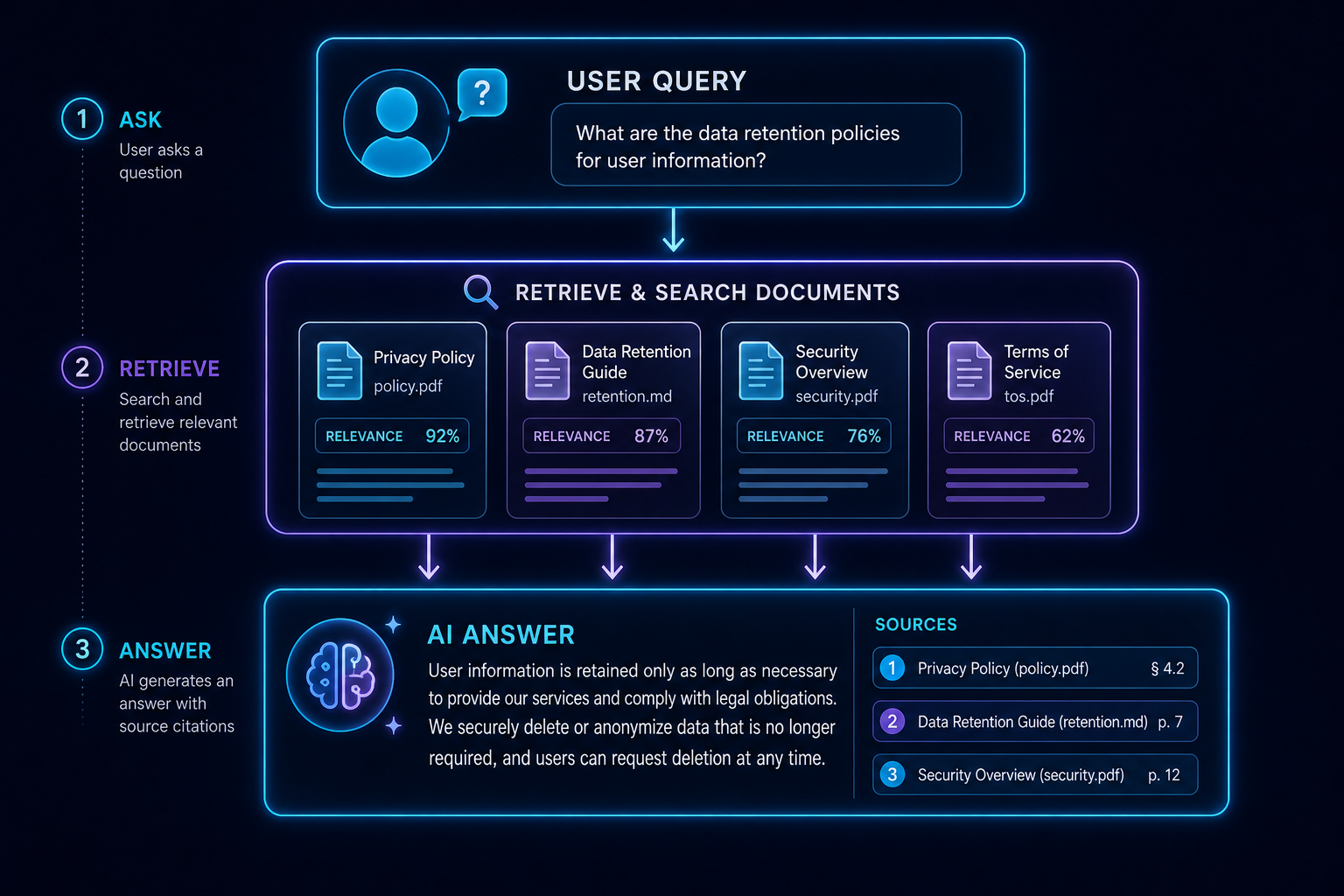
Create a Local Document Q&A Workflow for Faster Answers
A document Q&A workflow is most useful when it is focused and repeatable. The aim is to let people ask the same kind of question over and over, then get answers grounded in the right files.
Define the question pattern
Choose the kind of question you want to support: policy lookups, project notes, product manuals, or archived reports. A narrower scope gives you better retrieval and easier testing.
If you are still building the interface, start with Open WebUI Setup for Local Documents.
Prepare a clean source set
Keep the source folder tidy. Remove duplicates, move temporary files out of the index, and use a consistent naming scheme so people can find the right document later.
Keep a small test library
Save a handful of real questions that represent how users will interact with the system. Re-run them after every important change.
Connect retrieval to the chat layer
Pair the indexed documents with a chat UI that can show sources and keep the conversation focused. Open WebUI is a strong fit here, especially when combined with the retrieval discipline described in Build a Local RAG Pipeline That Actually Answers Questions.
Conclusion
A local document Q&A workflow becomes valuable when the question set, source set, and answer format are all deliberate. Keep it narrow, test often, and expand only when the results stay trustworthy.
FAQ
Do I need a large knowledge base?
No. Start with one folder and one workflow.
Should I show sources to users?
Yes. Sources help with trust and troubleshooting.
Can this work on a small server?
Yes, if your model and document corpus are sized realistically.


